

Boot Camp
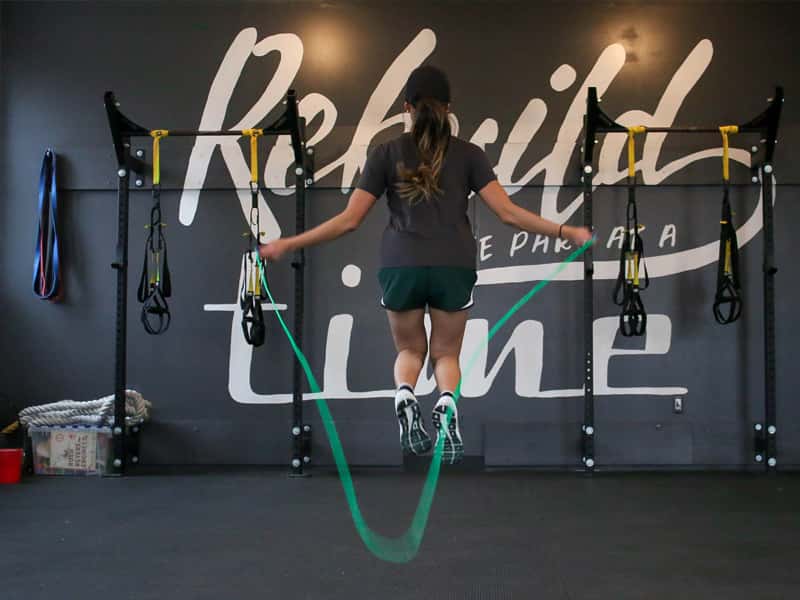
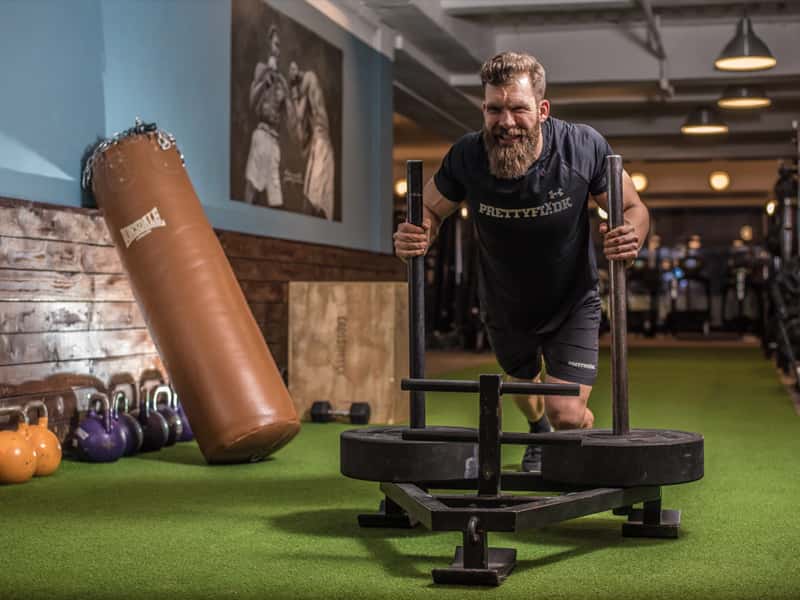
GIT DIS WERK is offering a 45 to 1-hour boot camp that will creatively focus on a full-body workout, and keep you on your toes. This boot camp will cause you to define fatigue and identify new boundaries that challenge your strength, muscular and cardio endurance.
It's easy as one-two-three
join the squad
1
schedule class
Let me push you to greatness.
2
gitcho mind right
Come to Werk
3
repeat
Persistence
I'll show you how
fat burning training
Blast Fat and Build Muscle
This 1-hour fat burning session will cause you to define fatigue and identify new boundaries that challenge your strength. Available in-person or online
- A scalable workout plan for fat loss
- HIIT workouts to maximize fat burn
- Strength training workout to build lean mass
- The ability to track progress on My PTHub
- Load before and after pics
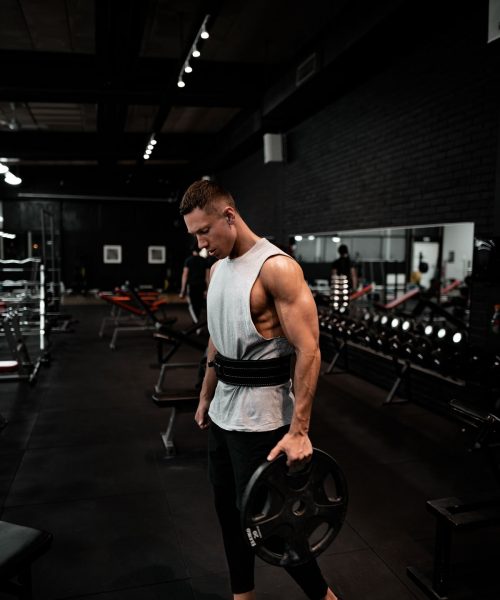
What you get

nutrition
Meal Plans

cardio training
Virtual and In Person Spinclass
lifting sessions
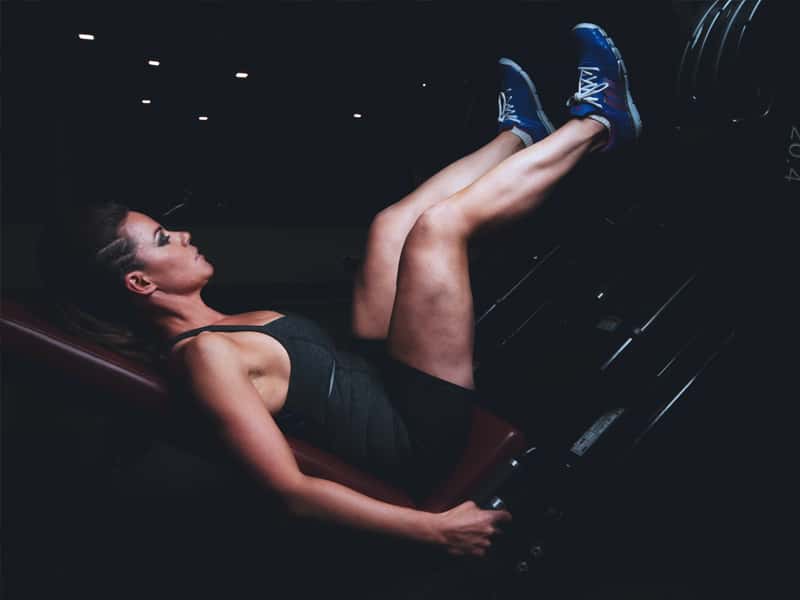
Personal Training

Group Fitness
Bootcamps, Yoga, Zumba, etc
personalizedWorkouts
Individual Workout Plans

Special events
Follow and Support us as we embark on events around the globe
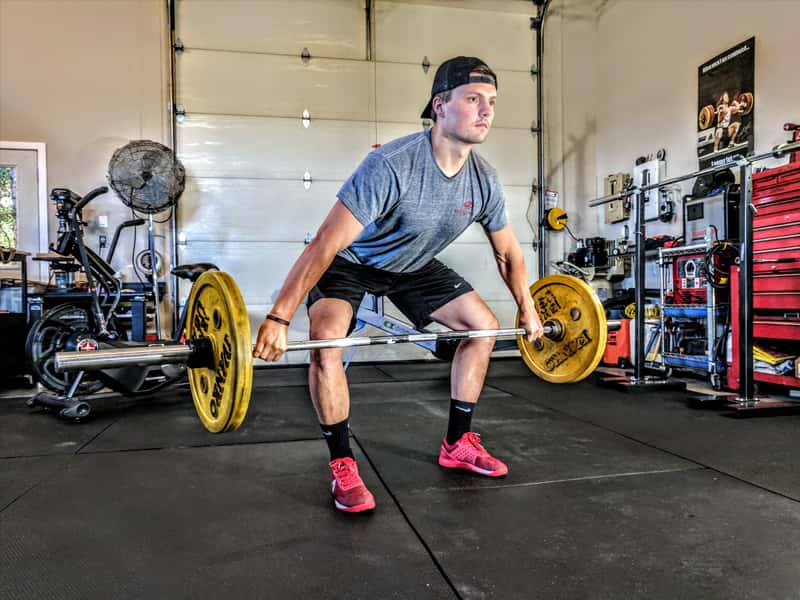
Frequently asked questions.
Have a question? You can find the answers for the most common questions asked by our customers.
Getting Started
Everything you’ll need to know to begin
How much does a GDW ATHLETIX Membership Cost?
Various membership plans are available that span from 1-week to monthly. In addition, we also offer a variety of GDW drop-in class packages. Check out the GDW ATHLETIX Marketplace to learn more about GDW Athletic plan options
How to Book a Fitness Class?
All cycling and boot camp classes can be purchased and reserved within the GDW ATHLETIX Marketplace. After purchasing your package, visit the Calendar to view schedule and reserve class.
How to Prep for a Fitness Class?
· Online Cycling Classes
- You will need to have the below personal items.
- An indoor cycling/spin bike – Be sure to research to identify the best bike to meet your needs.
- Internet access
- An electronic device that enables you viewing access to the GDW ATHLETIX PTHub application
- A Bluetooth speaker, if you enjoy loud music while cycling (optional)
- Boot Camp Classes (in-person and online)
- You will need to have the below personal items for your workstation.
Workout mat
Weights (3lbs, 5lbs, 10lbs, 15lbs, and 20lbs) *Dependent on your fitness level
Water to stay hydrated
- You will need to have the below personal items for your workstation.
What Personal Training options does GDW ATHLETIX offer?
GDW ATHLETIX offers several Personal Training options. Personal Training sessions are offered in a one-on-one format lead by a personal trainer and providing a personalized experience. Small-Group Training is very similar to Personal Training except there are typically 2-4 people in a session.
How Much Does a Personal Training or Group Training Session Cost?
The cost for Personal Training and Group Training sessions will vary depending on location, type of training, and the number of participants. Provide details regarding your desired type of Personal Training using the Contact Us Form, and a member of our team will reach out to discuss further.
What Payment Options Are Available?
GDW ATHLETIX accepts all debit and major credit cards as methods of payment via the GDW ATHLETIX Marketplace. Payment timing is dependent on the package selected and your purchase date.
Where Do I Go to Update my payment card info?
If you would like to change payment settings, update billing or change the credit card on your account, please visit the GDW ATHLETIX Marketplace to input your new information.
How Do I Stream LIVE Classes?
After purchasing your sessions, you will have the ability to Stream LIVE GDW ATHLETIX Cycling and Boot Camp classes via the GDW PTHUB portal. Each class registration confirmation page will have the url and password for access to the class.
How do I make a reservation for class?
Here’s how to make a reservation in 5 simple steps:
- Open up the GDW PTHub App
- Make sure that you are logged in with your account email and password
- Within the GDW PTHub App, click on the calendar tab to view your club’s schedule.
- Navigate to the class you wish to attend and click reserve
- Select your preferred class, click reserve and a confirmation email will follow
*Each class will have a different password, please do not share it with individuals who are not registered
What if I need to change or cancel my reservation?
- Modifying Your Reservation:
- Within the GDW PTHub App, you can modify or cancel your reservation up to 2 hours prior to the start of class.
- Canceling your reservation:
- If you no longer plan to attend class, you can cancel your reservation at least 2 hours prior to the start of class.
What happens once I make my reservation?
- Reminder email and /text
- 24 hours prior to your reserved class, you will receive an email and app notification reminding you of your upcoming reservation. The app notification, if clicked will bring you to your reservation details in the GDW ATHLETIX MYPT Hub app.
TBD